Website Photography That Fits the Design: Crops, Space, and Real People
A photograph can be excellent and still be wrong for a website. Put a tightly framed portrait into a very wide banner and something important disappears. Place a headline over a busy scene and the designer starts fighting the image instead of using it.
Website photography works best when the photographer and designer share information before the session. The objective is not simply to fill empty boxes. It is to create images that communicate the business and function inside the design.

Share the actual layouts
Provide page mockups, screenshots, or a clear description of the image spaces. Show where text will appear and how the layout changes on a phone. If the design is still developing, identify the likely orientations and priority placements.
Ask which images carry the main message and which support it. A home-page hero, a service explanation, and a staff biography have different jobs. Capturing all three with the same composition makes the eventual design harder than it needs to be.
Make room for the words
Negative space is a practical tool. A calmer part of the frame can provide room for a headline or call to action without hiding a face, product, or important gesture. It needs to be planned while photographing, not wished into existence after delivery.
Discuss whether the text sits left, right, or center. When the layout is uncertain, alternate compositions can help. The goal is useful flexibility, not a guarantee that one photograph will fit every possible design.
Test the mobile crop
A wide desktop banner may become a narrow crop on a phone. Check how faces, hands, signage, and key products survive that change. Sometimes the solution is a different image for the mobile layout rather than repeatedly shifting a crop that cannot work.
Keep critical information in the page text too. If the photograph shows a service, its name and explanation should still appear as accessible text. Pictures add meaning, but visitors should not need to interpret a background image to understand what you sell.
Photograph what makes the company specific
Real staff, actual locations, and believable work can distinguish the website from a collection of generic business imagery. A photograph of the team doing a relevant task can explain more than another stock-style handshake.
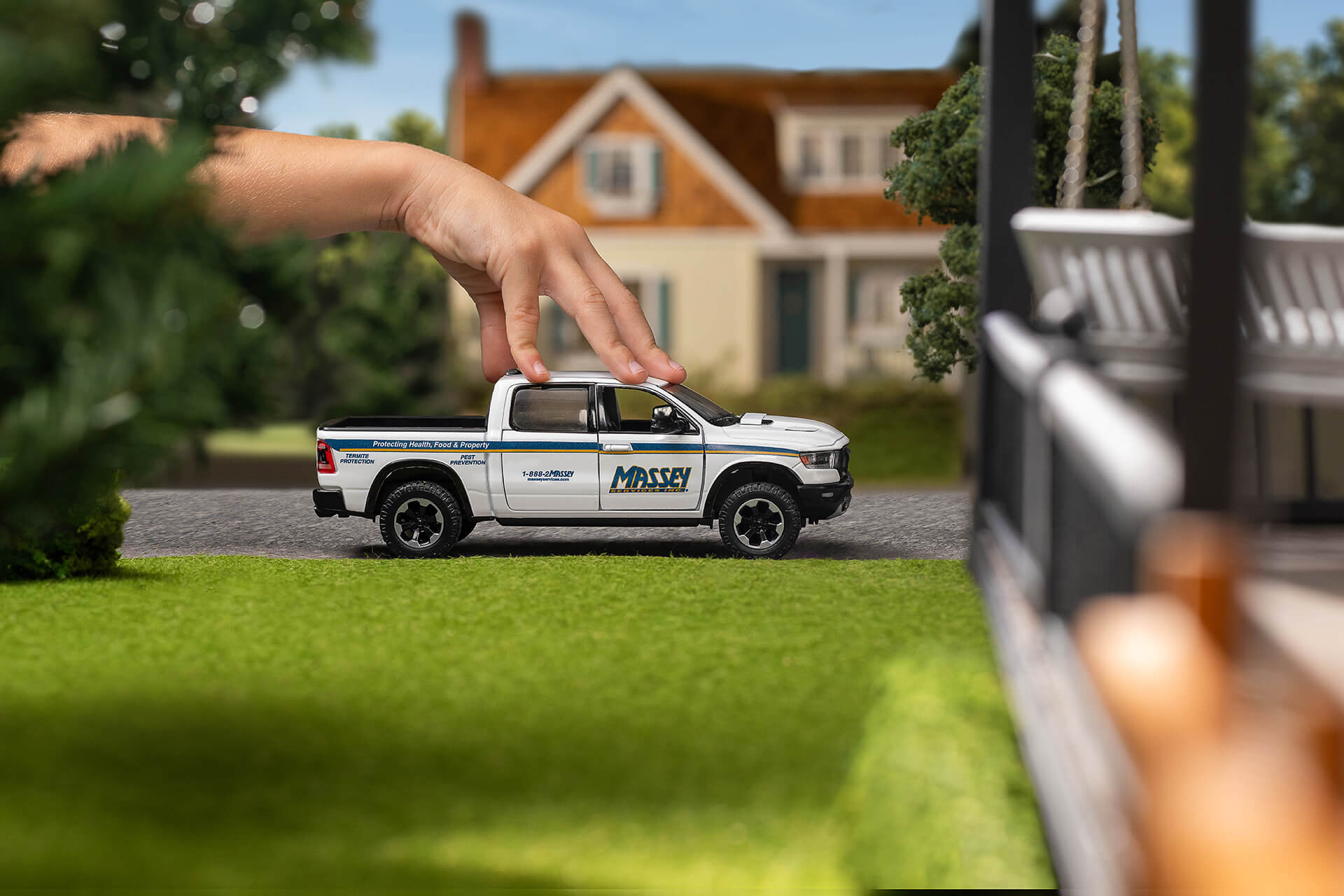
The Massey Services images in Spectacle’s &Barr portfolio offer a reference for business imagery connected to an actual brand. The lesson is to identify your own recognizable details, not borrow another company’s visual identity.
Deliver usable files and descriptions
Ask for files sized appropriately for the intended placements, and coordinate compression with the web team. Keep originals or approved high-resolution files available for future uses. Use descriptive filenames so staff can find the correct image.
Alt text should convey the useful meaning of the image in context. The W3C’s guidance emphasizes informative text alternatives, rather than stuffing a string of search terms into the field. [1] If an image is purely decorative, the web team’s accessibility treatment may differ.
Explore commercial photography and personal branding photography for your website needs. Bring Spectacle Photo your layouts, and we can photograph with the final page in mind.
Source
[1] W3C Web Accessibility Initiative, Informative Images.
Related reading
Why Consistent Photography Matters to Your Brand
Personal Branding Is More Than a Message or LinkedIn Profile